Weekly roundup
August 9, 2026
Week of August 3, 2026
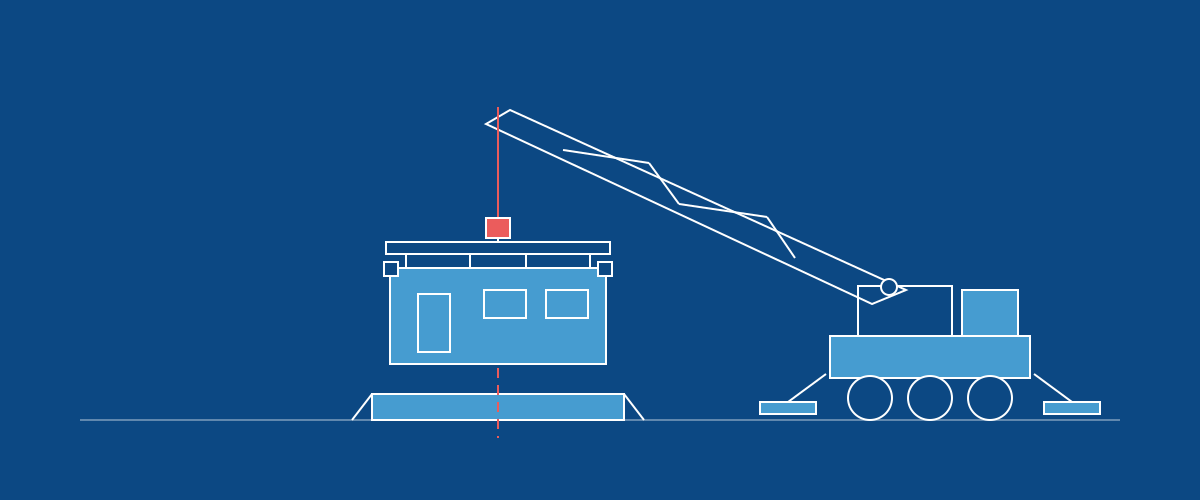
Deliveries arrives as a section of its own: the truck, the cargo, the load sheet, and a page the driver and receiver can confirm from without an account. Trucks became a managed list at the same time, so a delivery picks one from your catalog instead of having its name typed in.
Three fixes you may have been waiting on. Labor dashboards load against a large order book now, and the Plan versus Actual tab renders instead of timing out. Switching between dashboards stays on the dashboard you chose. And the Timesheets page checks the same permission that decides whether its menu entry appears.
Sharing a saved view with everyone is also grantable to any role now, rather than being reserved for admins.
One you would only notice by its absence: an interruption in the service behind the app now lasts seconds, because the app reconnects by itself.
New · Delivery · Planning
Track a delivery from the shop to the jobsite
Deliveries is a new section for the trip itself: what is going out, on which truck, from where, to where, and whether it arrived.
A delivery carries cargo, the phases riding on the truck, and you schedule it on the planning board alongside the work that feeds it. It has a loaded checklist, a printable load sheet, and start, complete and cancel states, including short shipped for a truck that went out light. Comments and documents attach to the trip the same way they do elsewhere.
The driver and the person receiving do not need an account. A QR code opens a page where they confirm what arrived, and you can require that confirmation before a delivery counts as complete.
Until now the truck was the gap. Work was tracked up to the point it left the shop and then again when somebody said it had landed, with a phone call in between. This appears where the rest of the materials features already do.
New · Delivery · Settings
Keep a catalog of your trucks
Trucks are now a managed list at Settings → Trucks, like vendors, contacts and locations. A delivery picks a truck from it instead of having one typed in.
Typing was the problem. A shop running eight trucks retyped one of eight strings on every delivery, so T-104, Truck 104 and 104 were three different trucks as far as the app was concerned, and none of them could be counted on. A truck also had nowhere to record its weight, capacity, length or height, so nothing could work out what would fit on it.
A truck record holds those measurements, its type, and an identifier of its own. You can still type a one-off truck straight onto a delivery for something that isn't yours. Trucks import and export through Excel like the other lists.
This appears where the rest of the materials features already do.
Maintenance · Insights
Labor dashboards load instead of failing
Dashboards reading labor against a large order book now load. The Plan versus Actual tab renders instead of timing out.
Two things changed behind it. The query no longer grows with the size of your whole history, and widgets on a page share one request for the same data rather than each asking separately. On a copy of a large customer's data that tab went from twenty two seconds and fifteen identical requests to under five seconds and two.
Maintenance · Timesheets · Settings
The Timesheets page respects the permission that hides it
A role without Timesheets Read does not have access to the Timesheets page, whether it is reached from the menu, by clicking through from Insights, or by going straight to the address. The page checks the same permission that decides whether the menu entry appears.
Maintenance · Insights
Switching dashboards stays on the dashboard you chose
Each dashboard starts clean when you open it, so its filters, tabs and selections belong to it.
Before this, moving between dashboards and then touching a filter could take you back to the previous one.
Maintenance · Settings
Let someone share a saved view without making them an admin
There is now a Share Saved Views with Everyone permission you can grant to any role, so the person who builds a useful view can publish it to the whole shop.
Before this, organisation-wide sharing was reserved for admins. Roles without the permission also stop being offered sharing targets they cannot use, and everything else about saved views works as it did.
Maintenance · Settings
The app recovers from a cache restart on its own
An interruption in the service behind the app lasts seconds. The app reconnects by itself, and an instance starting up while that service is unavailable waits for it rather than failing.
Improved · AI · Settings
Grant AI Chat to the people who should have it
AI Chat is now a permission in the role editor, so you decide who in your organisation gets it. It was tied to staff accounts, which meant there was no way to give it to a few of your own people and see how it goes.
Two things have to be true for someone to see it: AI Chat is on for your organisation, and their role grants AI Chat · Read. Anyone else keeps the support chat exactly as it is, since AI Chat takes that spot when it is on.
Maintenance · Settings · Planning
The rest of the pickers show what exists right now
Pickers throughout the app read their options fresh each time you open one, so something you have just archived is gone and something you have just created is there. This covers phase, order, component, task, route and overhead pickers, finishing the change made to the role editor's project picker the week before.