New · Orders · Build
October 7, 2026
Record parts and materials from the Completion tab
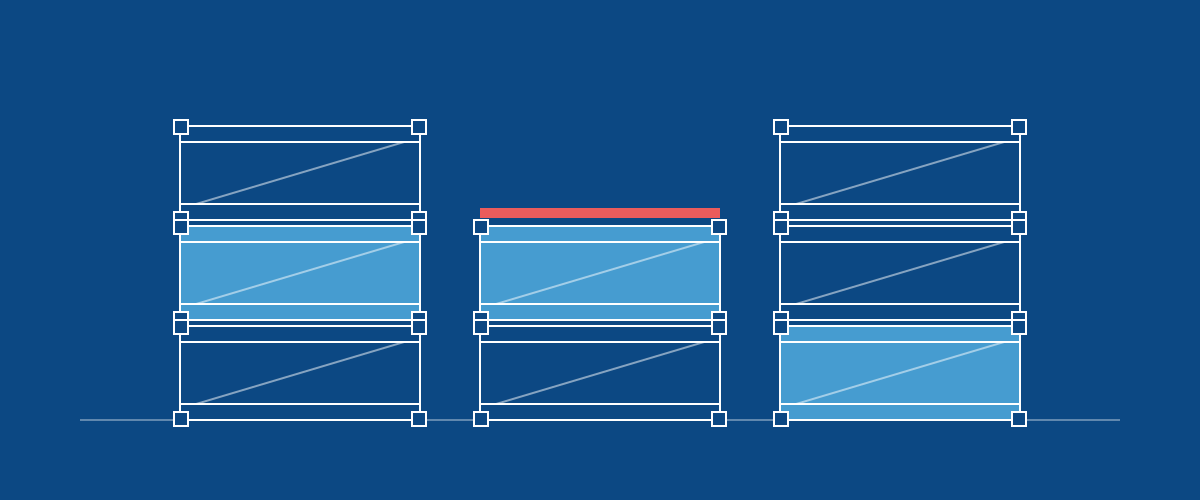
Each stage on the Completion tab now has a Parts & materials list. It shows the parts made and the materials used on that stage and its steps, with how many are recorded out of the plan. Use − and + or type a number to record progress as you go, for example 25 of 100 panels made. The list is on the order's Completion tab and in the Update Progress drawer on Build, and it's sized for phones and tablets.
Recording parts made also moves step progress to match, up or down. Parts made at the stage move every step; parts made at a step move only that step. Making more never pulls back a step that's already further along, and when all of a stage's parts are made the stage completes. If a step no longer matches the parts made, for example after its slider was moved, the list says so and Sync progress brings it back in line. Update all records everything still planned and completes the stage.
Changing a component's route no longer leaves its parts and materials on retired steps. Anything not yet used moves to the new step with the same name.