New · Integrations
September 29, 2026
Your sheet shows which work is waiting
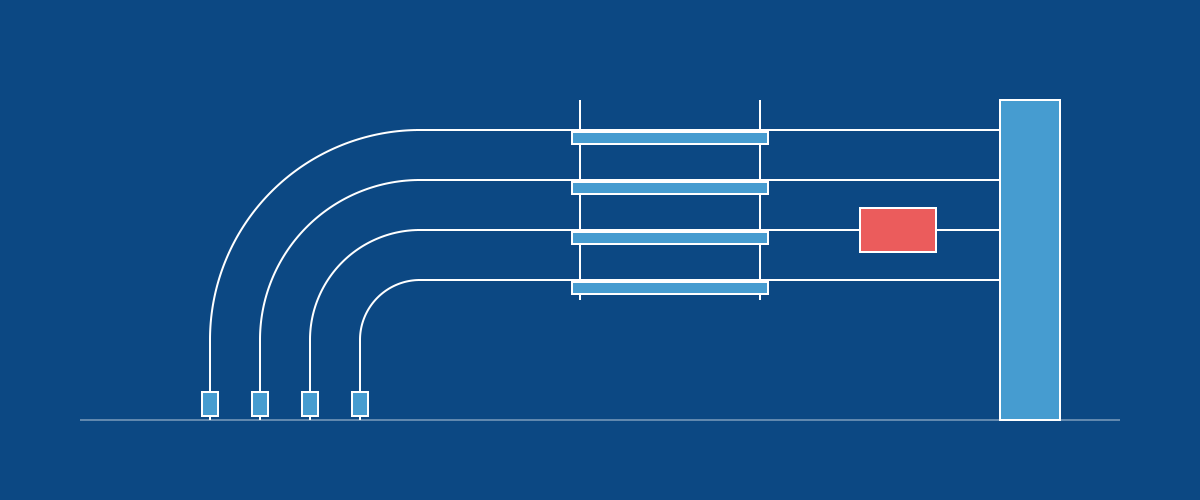
Rows that are waiting on earlier work in BuildingSwell now get your Waiting word on the sheet, and switch to your To Do word once that work is done. Map a word to the new Waiting outcome in the connection's status mapping to turn it on. The word also has to be an option in your sheet's Status column, and the status mapping has to send changes to the sheet: Push, or one of the Two-way options.
A Waiting typed on the sheet means nothing has started on that row, the same as To Do. Whether it waits or is ready to start comes from the order of the work, so a row with nothing unfinished before it shows To Do. Without a Waiting word in the mapping, waiting rows keep getting your To Do word, as before.