Maintenance · Orders · Planning · Integrations
September 29, 2026
Work waiting on earlier work shows Waiting
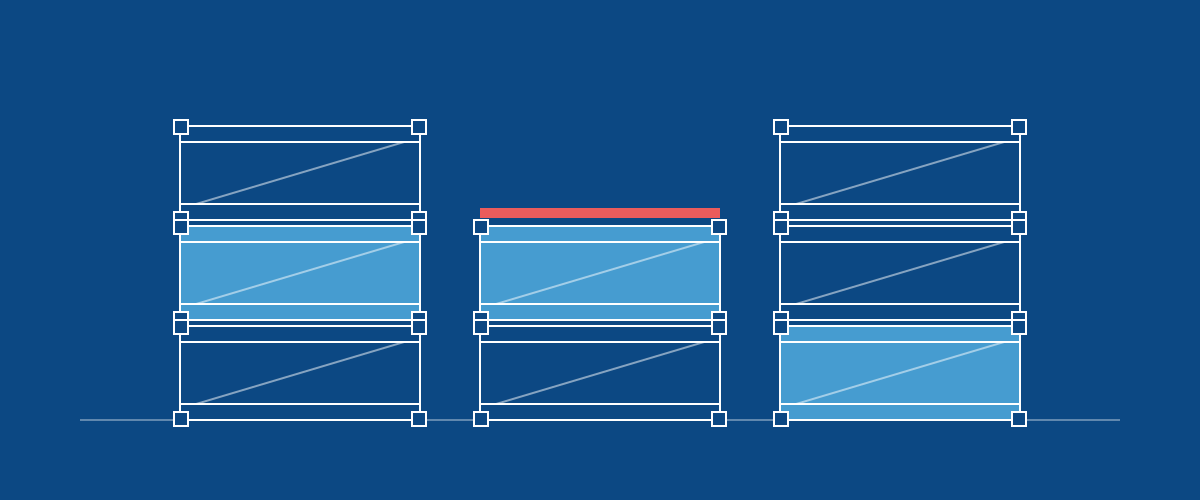
A phase, stage or step shows Waiting until the work before it is done, however it got its place in the order: added later, linked to the work before it, or moved in the list. Only work that is ready to start shows To Do, so filtering for To Do shows what your crew can pick up now.
Completing the last stage of a phase makes the phase after it To Do straight away, the same as completing the phase itself. Work you put on hold stays on hold when other work in its order is added, linked or reordered.
Phases that come in from a connected Smartsheet sheet follow the order in its Successor column the same way. Orders whose work was linked before this change are corrected on request.