Maintenance · Orders · Routes
September 23, 2026
Routes bring their materials to orders and components
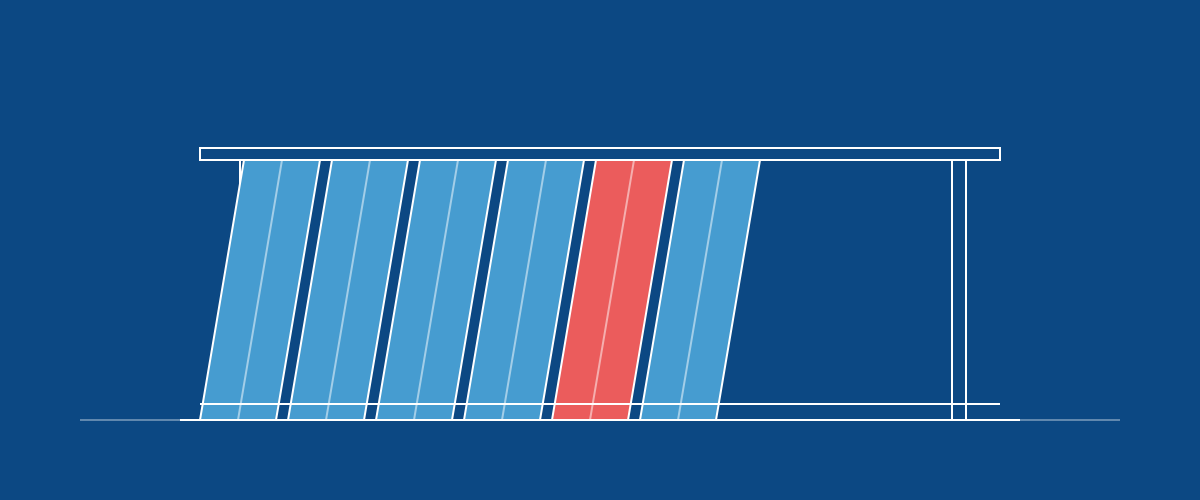
Setting a Route on a component now adds that route's materials to the order's Materials list, sized to the component's quantity and placed on its stages. Two components on the same route add up to one combined line.
Changing the route on an order that already has materials now asks first. Confirm Replace materials and the order's current list is cleared, including lines added by hand, and the new route's materials take its place. Keep current route leaves everything as it was. On a component, only the materials its previous route added are swapped; the rest of the order stays.
A component's Materials tab can now show just that component's materials. Allocating from there reserves only the component's share, so you can stage material one component at a time.
You can also move a material line to a different stage from its edit row. When recording what was used fails, the message now says why, for example when an item has no default location.
Switching an order to a route that shares a stage no longer leaves that stage showing as ready ahead of its turn.