Maintenance · Routes
September 11, 2026
Manage each share of a route material separately
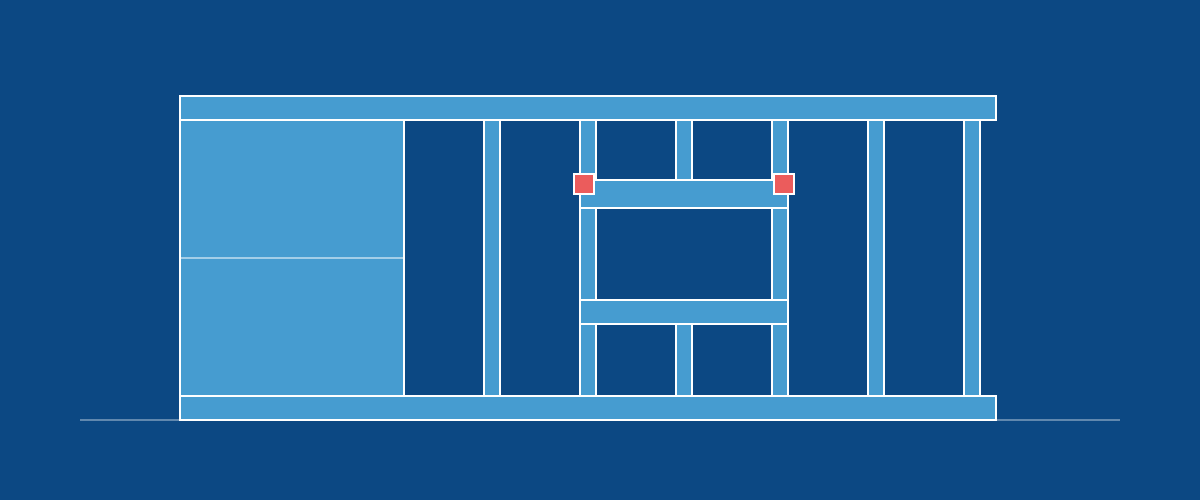
In a route's Materials & Production tab, you can now edit or remove the quantity shown at Route level, including what remains after assigning some to stages or steps. Editing or removing a row changes that row's quantity and the BOM total while keeping the other assignments.
To move part of a quantity, edit its row, choose a stage or step, and enter the amount to move. The total stays the same and the amount left stays on the original row. You can also keep your entire BOM at Route level.