New · Settings · Orders
September 10, 2026
Print QR labels for material locations
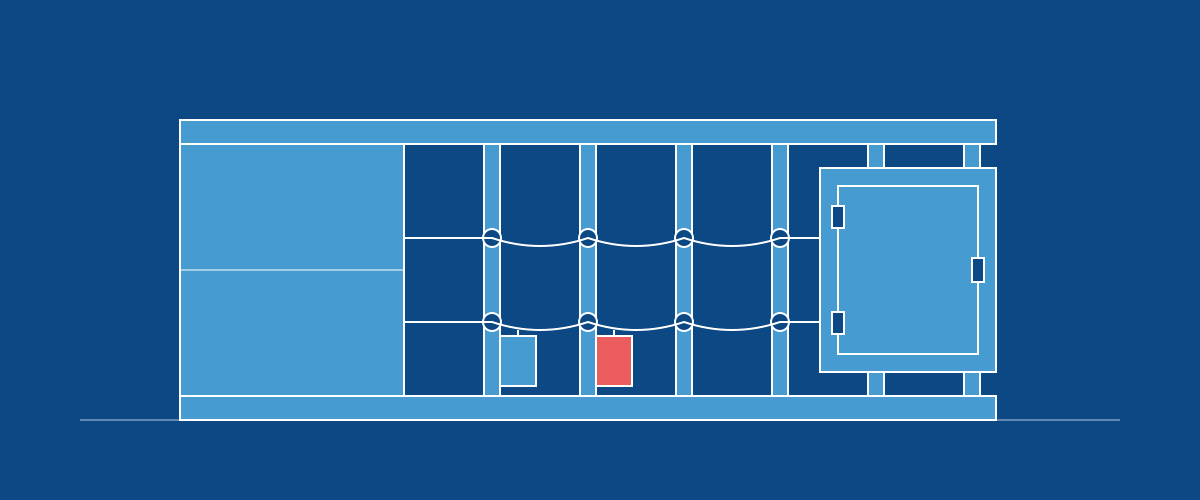
Print QR labels for department locations from Settings > Locations, Storage, or location details. Select one or several locations, choose whether to include sub-locations, and preview the labels before printing on a Letter sheet.
Attach labels to racks, bins, or workstations. Scanning one opens that location's page, where workers can see its contents and use the actions their permissions allow. Parent locations can show contents from their sub-locations, with each stock row identifying its location.
The link stays the same when a location is renamed, and existing printed QR codes continue to work.