Improved · Integrations
September 10, 2026
Smartsheet phases run in the order the sheet gives them
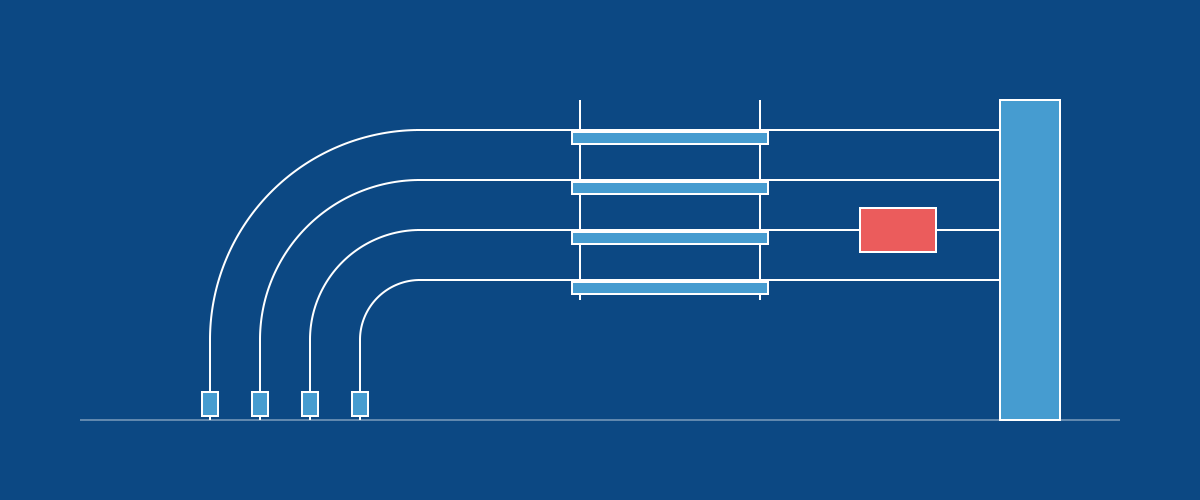
A phase row in Smartsheet can now point at the phase that comes after it, in a Successor column holding that phase's ID, the same Order ID the sync already reads. The sync connects the two in BuildingSwell as a finish to start connection inside their order, so an imported order's phases run in the sequence the sheet gives them, the same way they would under a process route, and a status from the sheet lands on the right phase.
A successor has to be a sibling row of the same order, and several can be listed separated by commas. A value that is not one of them is left alone and the activity log says which. If the cells would form a loop, nothing is written for that order.
Changing a cell later moves the connection: the sync removes the one it made before and adds the new one. A connection the sheet never named is never touched, and a sheet without the column syncs exactly as it did.
An order row with a Route value and no rows under it still gets the route when it is created, as before. The rows the sync then writes back for the route's phases carry each phase's template, so the next sync reads them as the phases they are.
An Order ID that is already in a cell stays there. When BuildingSwell's own identifier for that row is different, the sync leaves the cell alone and says in the run log how many rows it kept, so a number your team gave a row is never replaced by a generated one.