Maintenance · Integrations
September 8, 2026
Smartsheet rows that lost their link are found again instead of duplicated
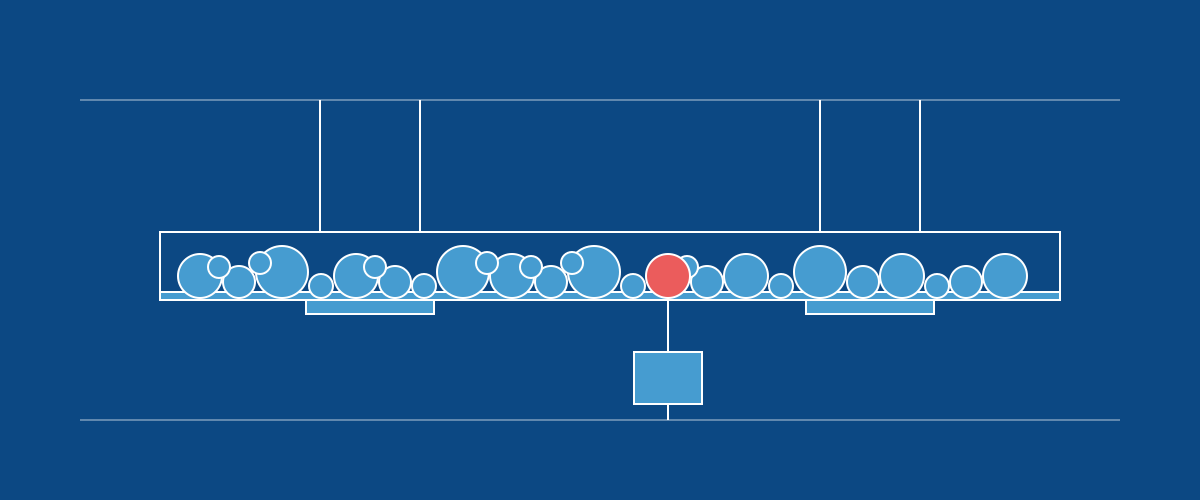
When a phase or component lost its link to its Smartsheet row, the next push created a second row for it under the same parent, beside the row that already represented it. Push now finds the original and re-links it. Where two rows already claim the same node, or its row has sync switched off, the sync adds nothing and says which rows to clean up. Duplicate rows created before this release stay on the sheet and still need removing by hand.
A flat sheet whose rows had lost their link, for example after the integration was reconnected, links those rows back to their existing orders on the next sync.