New · Delivery · Settings
September 9, 2026
Put components on a truck when your routes don't use phases
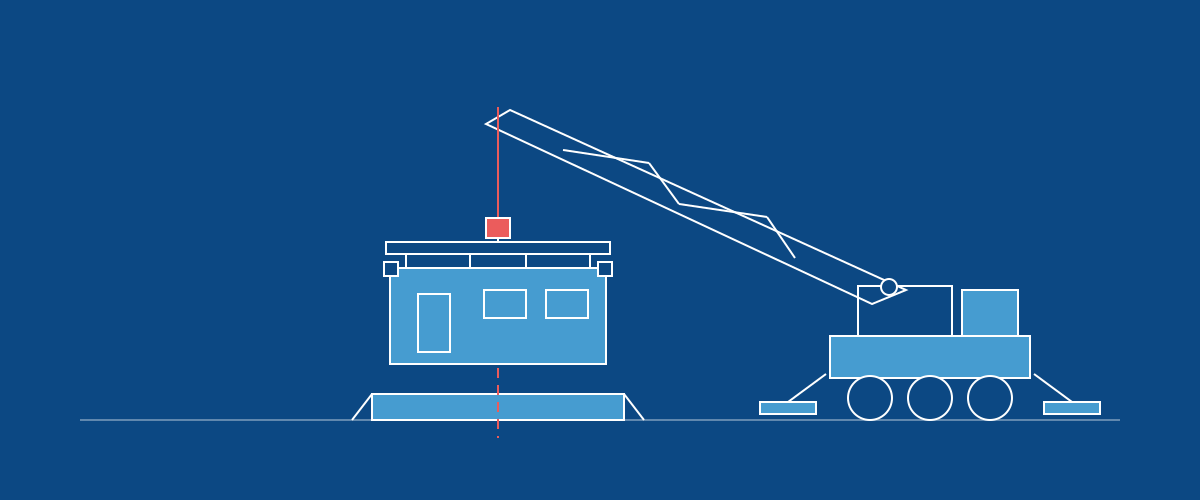
A delivery normally takes cargo you have marked as a delivery phase. If your routes don't use phases, that can leave you with an empty cargo picker and no way to finish a delivery. There is now a company setting that adds components as another cargo choice.
Turn on Allow components as delivery cargo in Settings, Company, under Deliveries. Your cargo picker keeps phases marked as delivery phases and also offers the smallest components in an order. A component that holds other components offers those instead of itself, so the same work can't ride two trucks. An order with no components in it is offered whole. Stages stay out, because that is department work rather than something you put on a truck.
Deliveries that already have cargo are left alone. Turning the setting on or off never rechecks a trip that is already planned or running, so nothing you have loaded changes underneath you, and you can turn it back off at any time. It starts off for everyone.